Stickers are one of the most fun and expressive features of the LINE app.
While many sticker packs cost money, there are several easy ways to get them for free.
This quick guide shows you exactly how to find and claim free LINE stickers without spending anything.
What Are LINE Stickers?
LINE stickers are digital images or animations used to express emotions, reactions, or messages in chats.
They make conversations more fun, personal, and visually engaging than plain text alone.
Categories
LINE offers various sticker types to suit different styles and conversations. Here are the main categories you’ll find in the app:
- Standard Stickers – Static images used to express common emotions or phrases.
- Animated Stickers – Stickers with motion, adding more life and expression.
- Sound Stickers – Stickers that include voice clips or sound effects when tapped.
- Pop-up Stickers – Large, dramatic stickers that briefly take over the chat screen.
- Custom Stickers – Allow users to personalize text or names within the design.
- Creator Stickers – Designed by independent artists and available in the Creator's Market.
Why LINE Offers Free Stickers
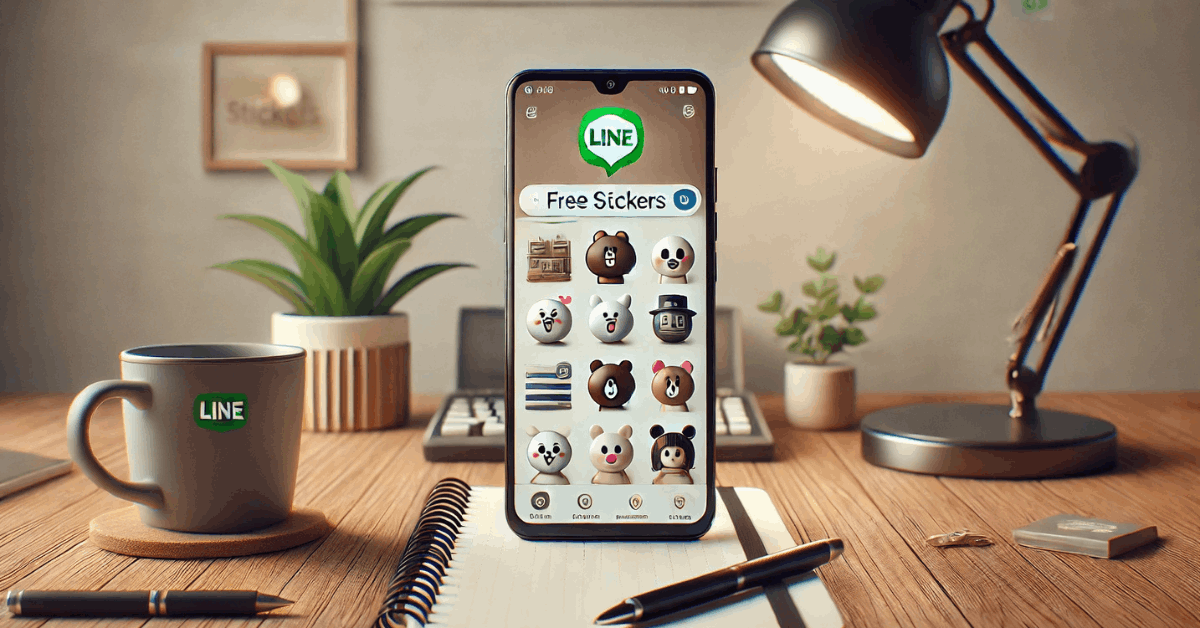
LINE regularly offers free stickers as part of its engagement and promotional strategy.
These giveaways benefit both the platform and its partners in several key ways:
- User Engagement – Free stickers keep users active on the app and encourage regular logins.
- Brand Promotion – Companies use stickers to promote their products by requiring users to follow their official accounts.
- Feature Adoption – Some free packs are rewards for trying new LINE features or services.
- Market Localization – Regional free stickers help tailor the user experience to specific countries or cultures.
- App Growth – Offering free content helps attract new users and retain existing ones.
Method 1: Visit the Free Stickers Section
One of the easiest ways to get free stickers on LINE is by visiting the app’s dedicated Free Stickers section.
This feature is built into the app and regularly updated with new offers. Here’s how to access and use it:
- Open the LINE App: Launch LINE on your smartphone and log in if needed.
- Go to the Sticker Shop: Tap the “Wallet” or “More” tab, then select “Sticker Shop.”
- Tap the “Free” Tab: Look for the " Free " tab to see all available free sticker packs.
- Follow the Required Action: Most free packs require you to follow an official account or perform a simple task.
- Download the Stickers: Tap “Download” to add the sticker pack to your collection.
- Use the Stickers in Chat: Your new stickers will now be available in your chat interface.
Method 2: Complete Missions or Promotions
Another way to get free stickers on LINE is by completing simple missions or participating in promotions.
These offers are often linked to brand campaigns or app features and are available for a limited time. Here's how you can take advantage of them:
- Check the Sticker Shop: Go to the Free section in the Sticker Shop and look for sticker packs labeled with tasks or promotions.
- Tap on the Sticker Pack: Read the conditions, including installing an app, watching a video, or joining a survey.
- Complete the Required Action: Follow the instructions to finish the mission—this usually takes just a few minutes.
- Download the Sticker Pack: The download button will activate once the task is complete.
- Sticker Availability May Vary by Country: Some missions are region-specific, so not all offers will appear in every location.
Method 3: Use the LINE Points System
The LINE Points system lets you earn points by completing small tasks, which you can later use to get paid stickers for free.
It’s a flexible option if you don’t mind spending a little time on in-app activities. Here’s how it works:
- Open the LINE Points Menu: Tap “Wallet,” then select “LINE Points” from the options.
- Earn Points by Completing Tasks: Watch videos, try new apps, take surveys, or sign up for services to earn points.
- Check Your Balance: Keep track of your earned points in the LINE Points section.
- Go to the Sticker Shop: Open the Sticker Shop and choose a paid sticker set.
- Redeem Using Points: Use your points instead of real money to download the sticker pack at checkout.
Method 4: Download Regional Stickers with a VPN
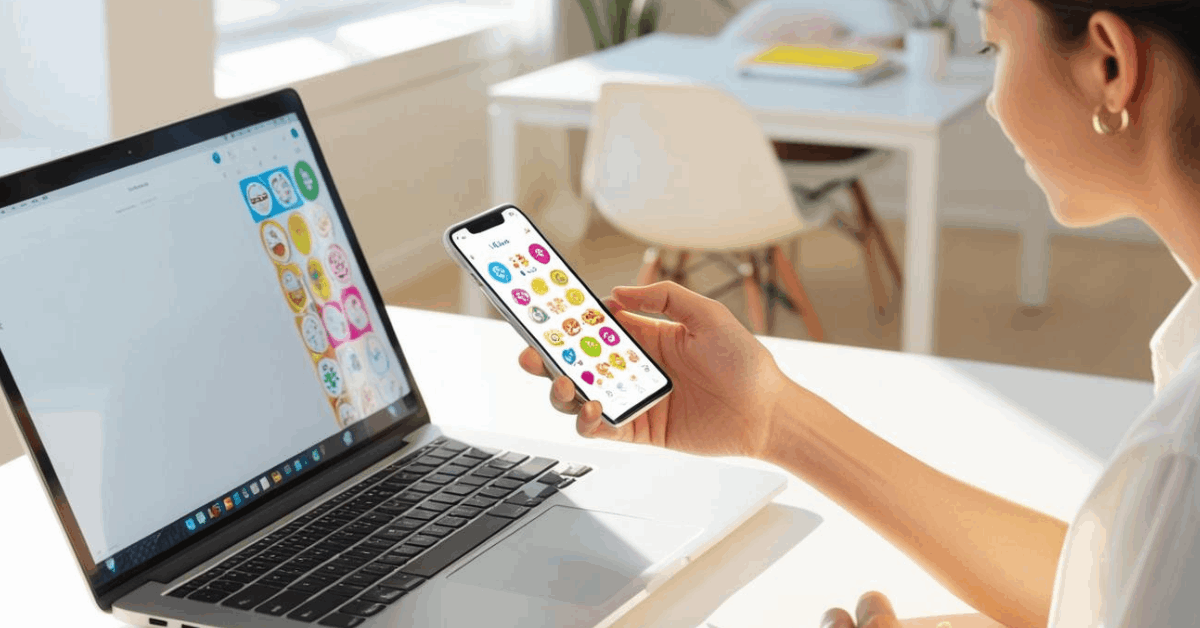
Some LINE stickers are only available in certain countries, but you can still access them through a VPN.
This method changes your virtual location, letting you download region-locked sticker packs. Here’s how to do it safely:
- Install a Trusted VPN App: Choose and install a reputable VPN service on your device.
- Connect to a Target Country: Select countries like Japan, Thailand, or Taiwan, regions often with exclusive stickers.
- Open the LINE App: Launch the LINE app once connected to the VPN.
- Access the Sticker Shop: Go to the Sticker Shop and tap the Free section to browse stickers available in that region.
- Follow Any Required Actions: Some stickers may require you to follow a local official account.
- Download the Stickers: Tap “Download” to claim the pack. It will stay available even after you turn off the VPN.
- Use Caution: VPN use is not officially supported by LINE and may go against its terms, so proceed at your own risk.
Method 5: Claim Limited-Time Campaigns
LINE often runs limited-time campaigns that offer free stickers to celebrate events, holidays, or brand partnerships.
These sticker packs are usually available for a few days or weeks, so you must act fast. Here's how to claim them:
- Open the Sticker Shop Regularly: Check the Free section often to catch new limited-time offers.
- Look for Event-Based Packs: Watch for stickers tied to holidays (e.g. New Year, Halloween) or brand events.
- Follow Official Accounts if Required: Some campaigns ask you to follow a brand or join an event page.
- Tap “Download” Before the Deadline: These stickers have an expiration window, so don’t wait too long.
- Enable Notifications from LINE: This helps you stay updated when new campaign stickers are released.
How to Avoid Scams and Fake Sticker Offers
While looking for free LINE stickers, staying safe and avoiding scams is essential.
Some third-party websites and unofficial tools claim to offer free stickers but can compromise your account or device. Follow these tips to protect yourself:
- Use Only the Official LINE App: Never download stickers outside the LINE Sticker Shop.
- Avoid Third-Party Sticker Sites: Sites offering free stickers in exchange for personal info or log in details are likely scams.
- Don’t Install Modified LINE Apps: Unofficial versions of LINE may promise extra features, but can steal your data.
- Ignore Social Media “Free Sticker” Links: Unless shared by LINE’s verified accounts, avoid clicking unknown links.
- Enable Two-Step Verification: This adds extra protection to your LINE account.
- Report Suspicious Content: If you see fake sticker ads, report them directly in the app to help keep the community safe.
The Bottomline
Getting free stickers on the LINE app is easy if you know where to look and how to unlock them.
There are plenty of safe and fun ways to expand your sticker collection, from following official accounts to joining limited-time campaigns.
Open your LINE app now and start claiming your free stickers today.